【Unity】AnythingButBlender (ABB) スカルプト・衣装フィット・ウェイトペイントなど|Blender不要
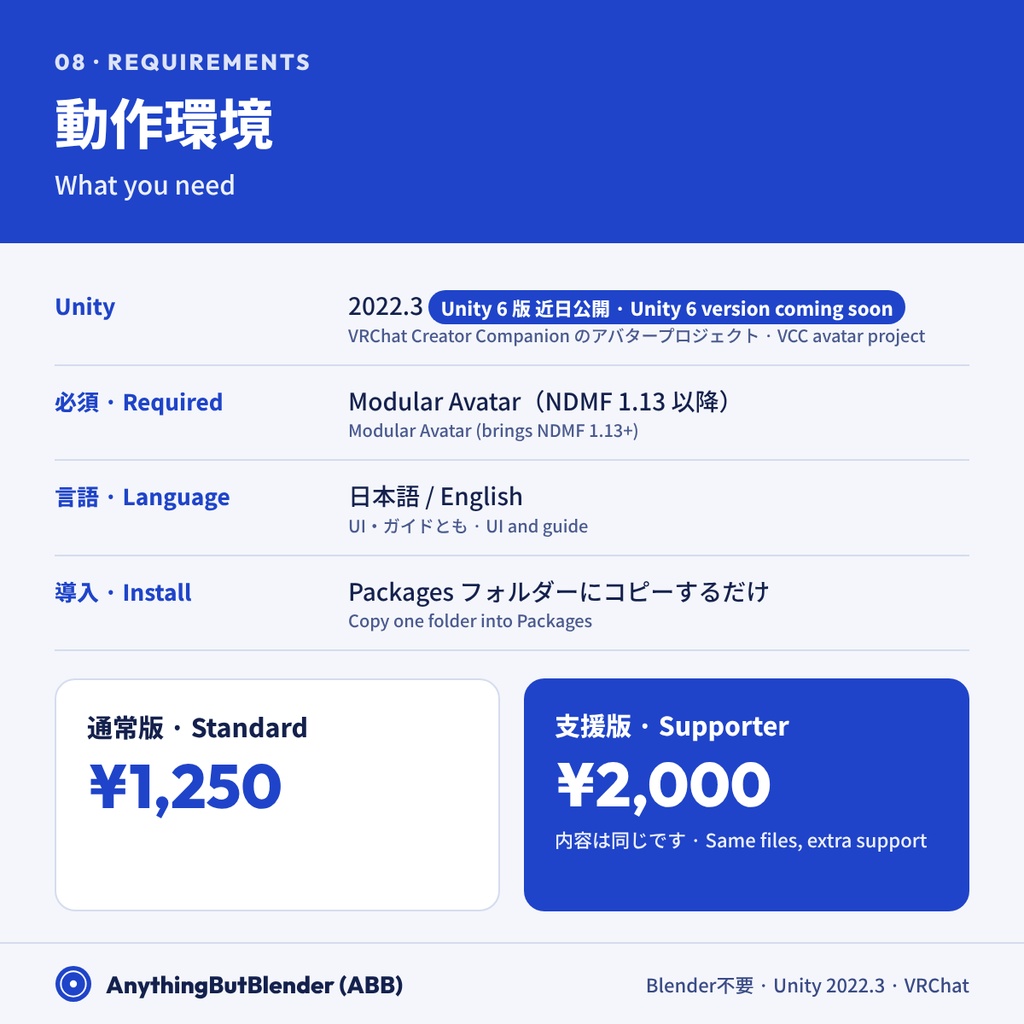
- ダウンロード商品通常版 / Standard¥ 1,250
- ダウンロード商品支援版 / Supporter¥ 2,000
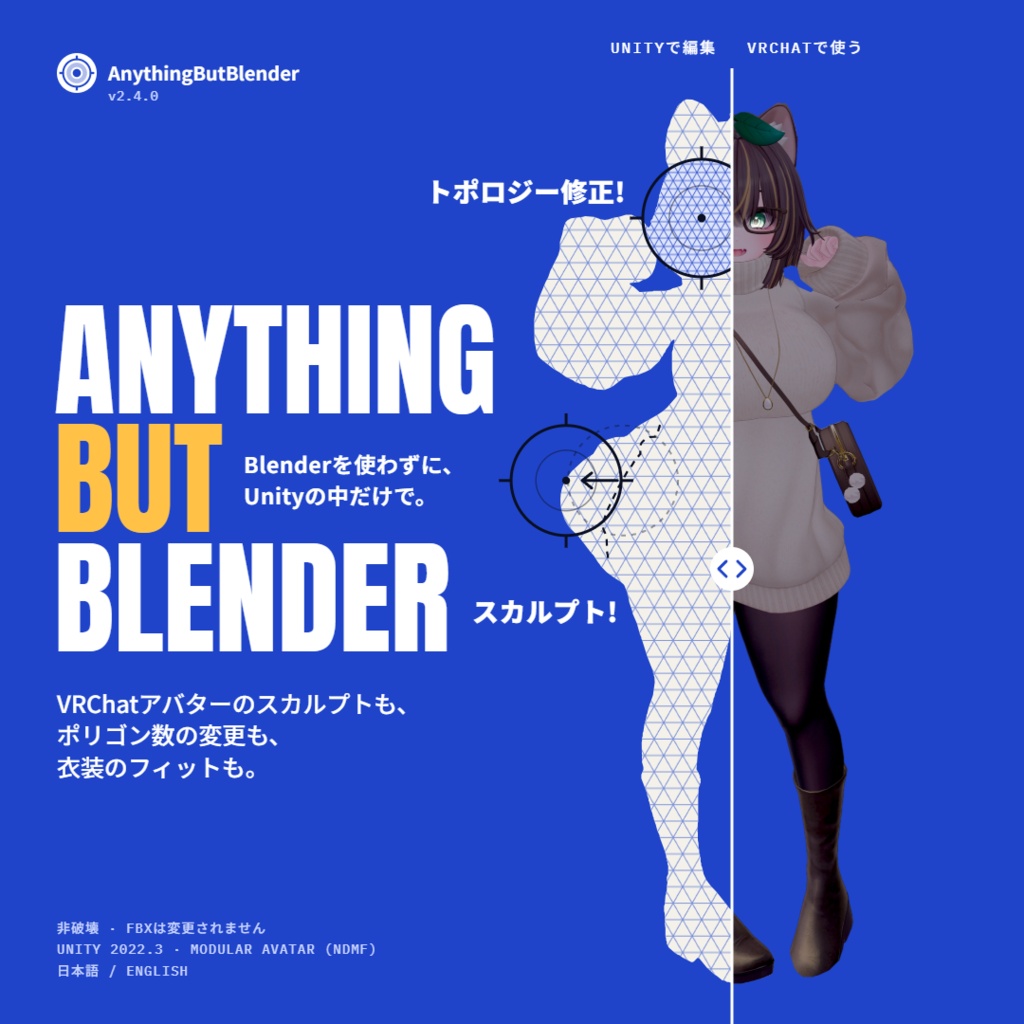
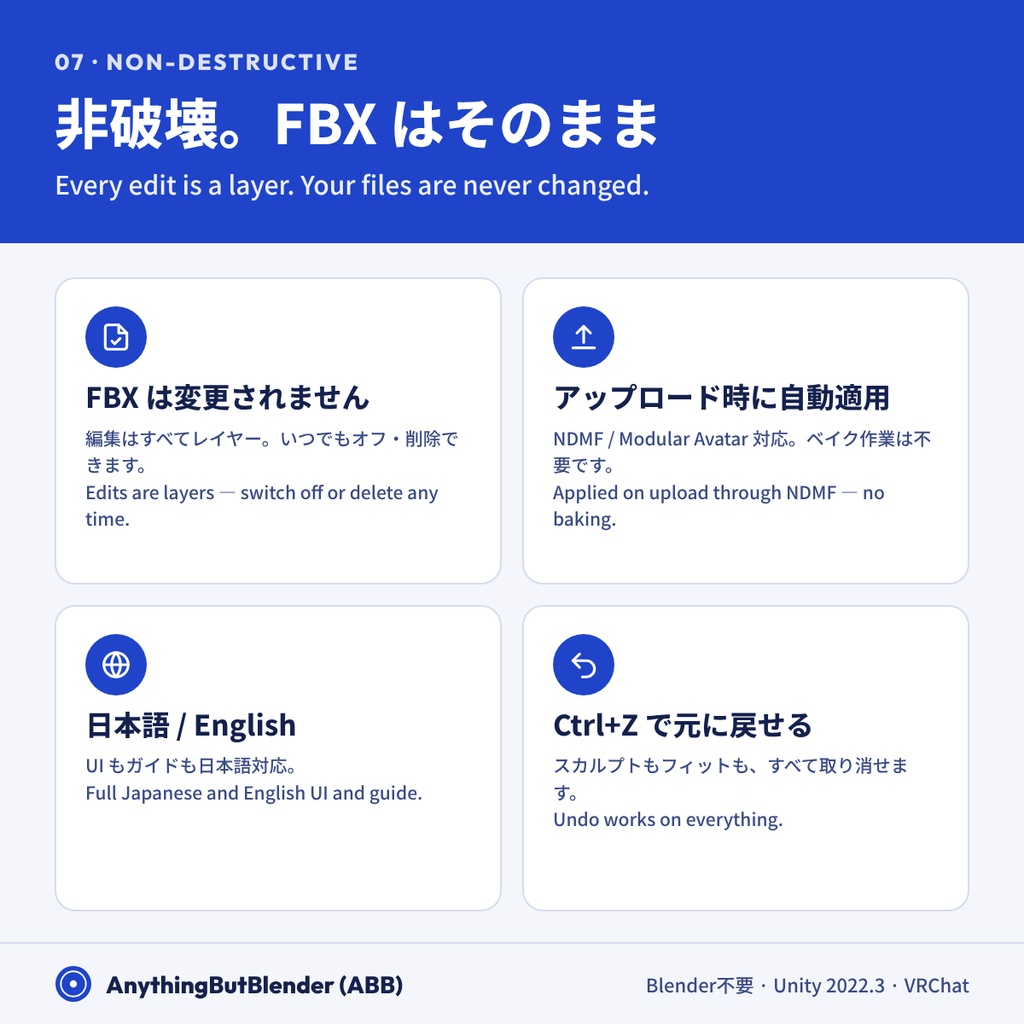
Blender を開かずに、Unity の中だけでアバター改変ができるエディタ拡張です。 スカルプト・衣装フィット・ウェイトペイント・細分化/ポリゴン削減・ボーン調整をひとつにまとめました。 編集はすべてレイヤーとして保存され、FBX は一切変更されません。 アップロード時に NDMF で自動適用されるので、ベイク作業も不要です。 ――― A Unity editor tool for editing VRChat avatars without needing to open blender for every small change. Built to prevent round trips, not fully replace blender. Sculpting, clothes fitting, weight painting, subdivide / decimate and bone adjustments, all in one place. Every edit is saved as a layer and your FBX files are never changed. Edits are applied automatically on upload through NDMF, so no baking.
主な機能 / Features
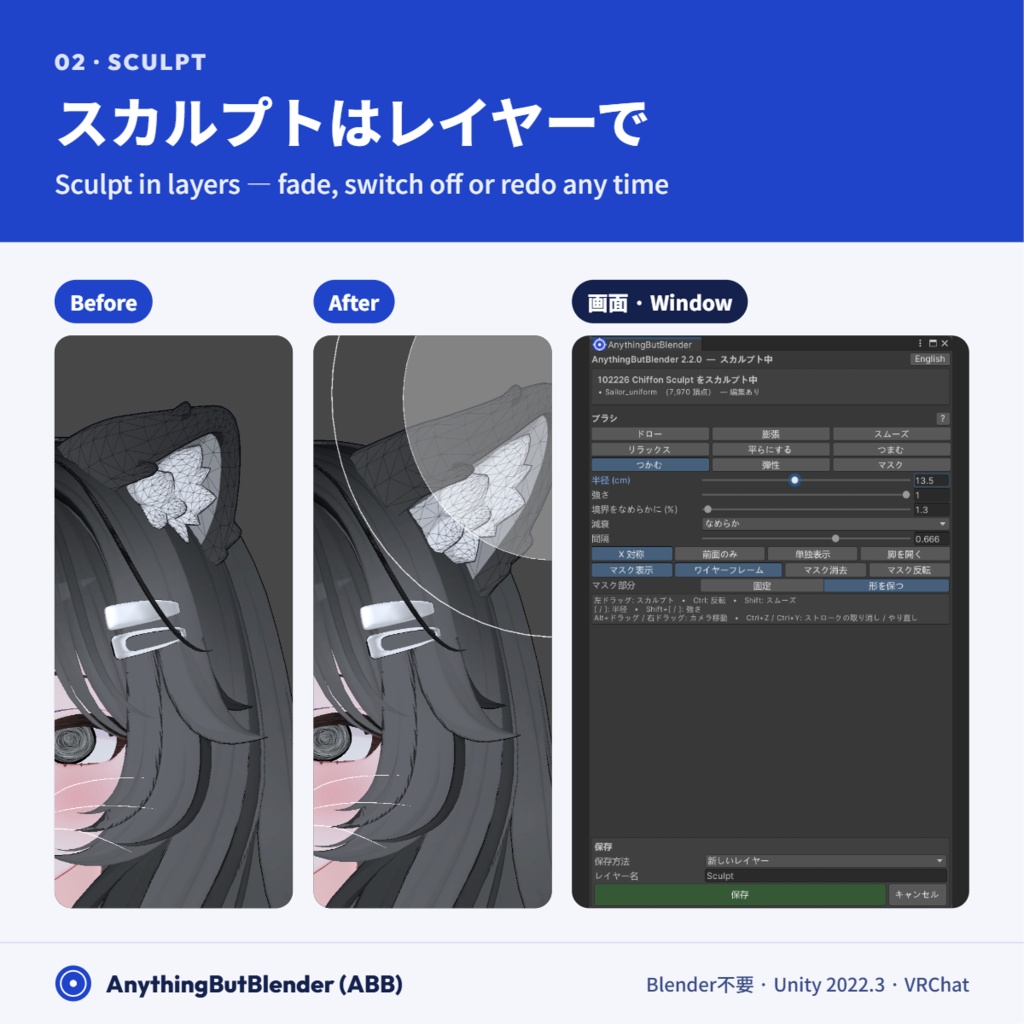
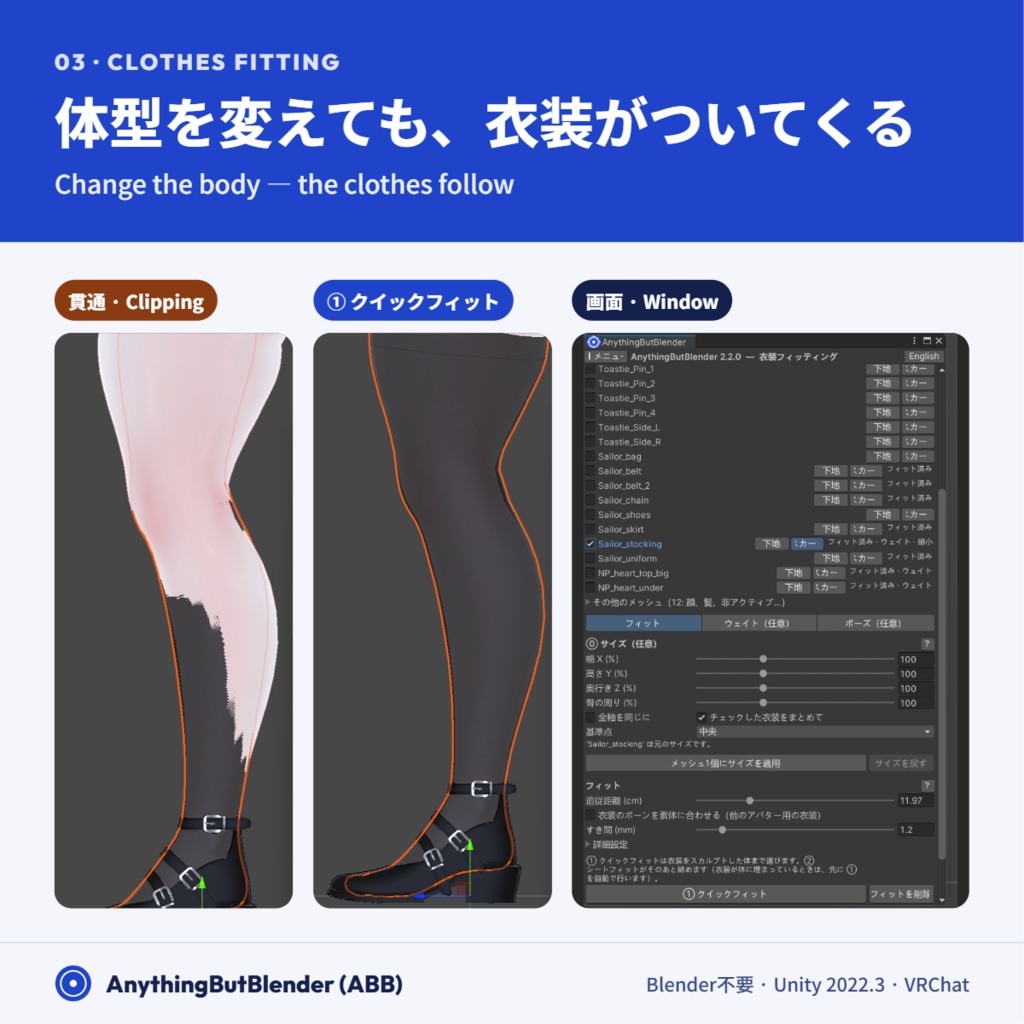
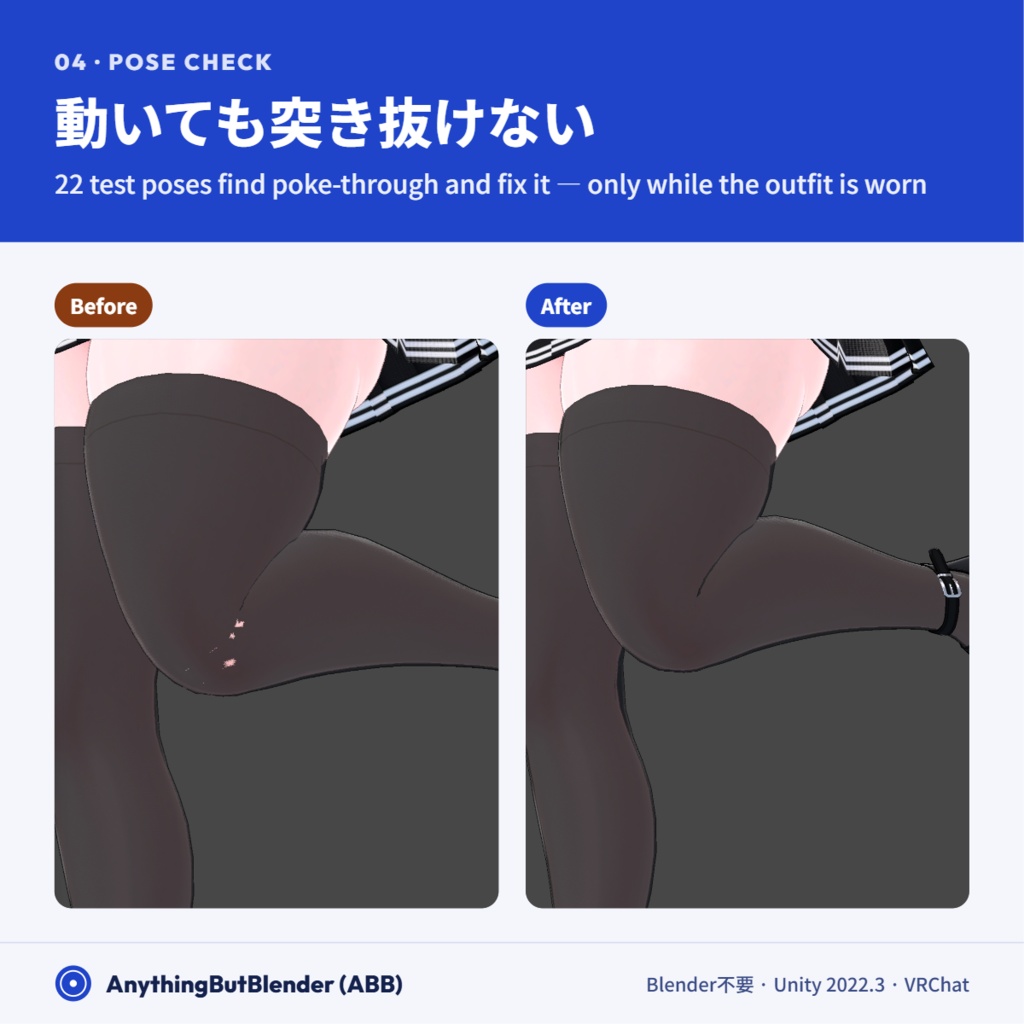
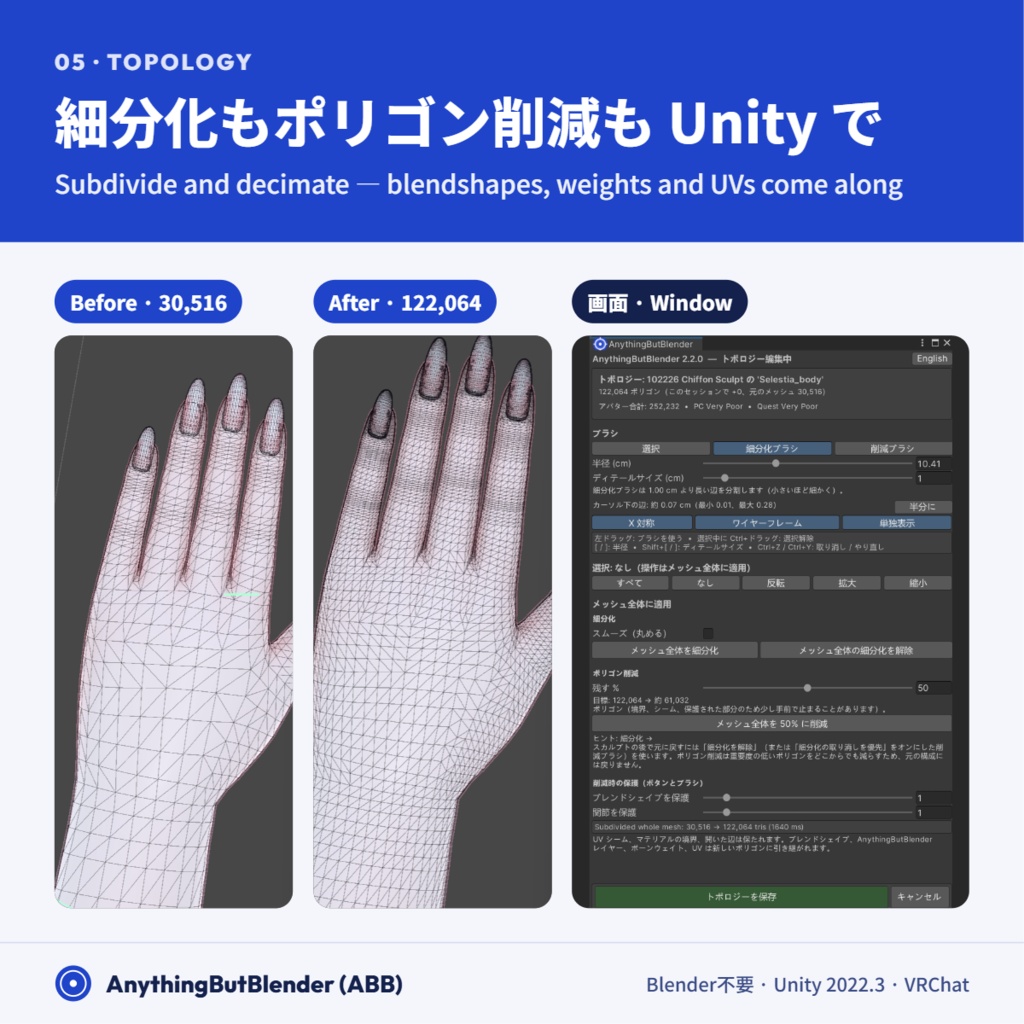
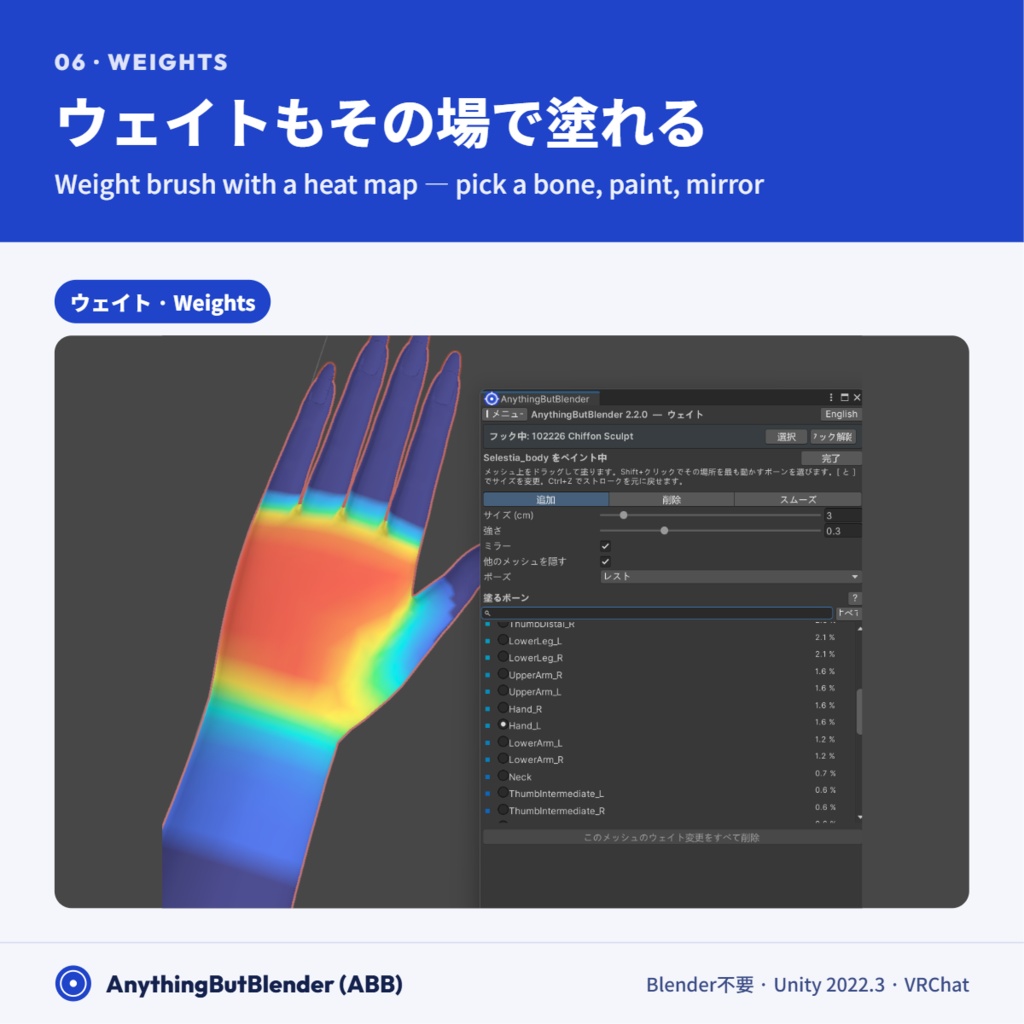
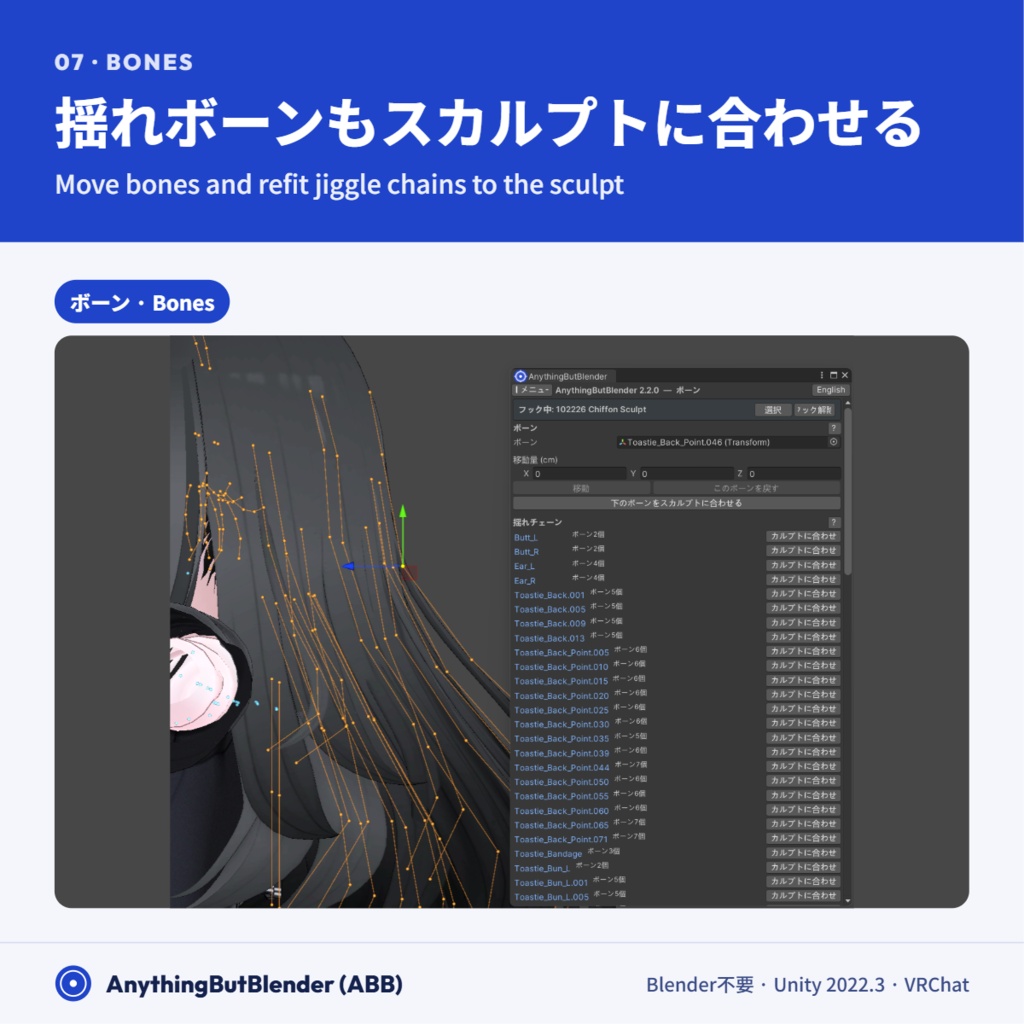
・スカルプト:ドロー、膨張、スムーズ、つかむ、弾性など 9 種のブラシ。左右対称・マスク対応。レイヤーごとに強さ調整・オンオフ・再編集。 ・衣装フィット:体型を変えても、ワンクリック(クイックフィット)で衣装がついてきます。シートフィットで締め具合を塗って仕上げ。 ・ポーズチェック:22 種類のテストポーズで肌の突き抜けを検出し、その衣装を着ているときだけ素体を少し縮めて修正。 ・トポロジー:細分化・ポリゴン削減(全体・選択・ブラシ)。ブレンドシェイプ・ウェイト・UV は引き継がれます。 ・ボーン:メッシュを動かさずにボーンを移動。揺れボーン(PhysBone)をスカルプトに合わせて調整。 ・ウェイト:ヒートマップ付きのウェイトブラシ。テストポーズで確認しながら塗れます。 ・UI とガイドは日本語・English 対応。Ctrl+Z ですべて元に戻せます。 ・Sculpt: 9 brushes incl. Draw, Inflate, Smooth, Grab and Elastic, with symmetry and masking. Fade, toggle or re-edit any layer. ・Clothes fitting: change the body and the outfit follows in one click (Quick fit). Shape and tighten with Sheet Fit. ・Pose check: 27 test poses find poke-through and fix it with a body shrink that's only on while that outfit is worn. ・Topology: subdivide and decimate (whole mesh, selection or brush). Blendshapes, weights and UVs come along. ・Bones: move bones without moving the mesh, and refit jiggle (PhysBone) chains to your sculpt. ・Weights: a weight brush with a heat map and test poses. ・Japanese and English UI and guide. Ctrl+Z undoes everything.
更新履歴 / Updates
2026/10/30 v2.2.0 公開 / First public Release! 2026/11/09 v2.3.0 Lots of changes... ・Quick Fit clipping issues have been updated + an overhaul, also gets a pass on the relational position of all vertices that are updated (Named it even out) ・Weights can be transferred to only specific bones now ・Pose checker got some adjustments too, more poses tested from 22 to 27, ・Weight brush can now copy weights to the other bone ・Backups are made every 5 mins now ・Some experimental settings in the fitting tab were added that auto-add a little bit of sculpting via a blendtree and contacts with the knee to prevent clipping (called hem flare) ・Some inertia bone compatibility settings were implemented ・New blendshape multiplier page ・you can copy sculpts from other meshes (still a bit experimental) ・various other bug fixes including shading fixes when shrinking mesh 2026/11/13 v2.4.0 Topology update ・New UV relax brush, references original mesh to maintain topology after a sculpt ・Topology has an auto cleanup button ・Weights tab has bone posing now ・Weights smooth brush has been reworked completely ・Another round of bug fixes, many many bug fixes.
動作環境 / Requirements
・Unity 2022.3(VRChat Creator Companion のアバタープロジェクト)※ Unity 6 版は近日公開予定 ・Modular Avatar(NDMF 1.13 以降)が必要です ・Unity 2022.3 (VCC avatar project). A Unity 6 version is coming soon once VRC pushes that. ・Requires Modular Avatar (NDMF 1.13 or newer)
導入方法 / Install
1. VCC で Modular Avatar を導入 2. zip 内の「dev.bam.anythingbutblender」フォルダーをプロジェクトの「Packages」フォルダーにコピー 3. Tools → AnythingButBlender → AnythingButBlender Window を開く 詳しくは同梱の USER_GUIDE.ja.html をご覧ください。 1. Install Modular Avatar through VCC 2. Copy the "dev.bam.anythingbutblender" folder into your project's "Packages" folder 3. Open Tools → AnythingButBlender → AnythingButBlender Window See the included USER_GUIDE.html for details.
ご注意 / Notes
・現在、検証は一部の素体で行っています。別のアバター用の衣装は、ボーン名で素体と対応づけます(例:UpperLeg_L と L_UpperLeg は一致しません)。うまくいかない場合はご連絡ください。 ・スカルプト結果やフィットの見た目はアバターや衣装によって異なります。 ・Tested so far on a limited set of avatar bases. Outfits made for other avatars are matched to the body by bone name (e.g. UpperLeg_L won't match L_UpperLeg). Please get in touch if something doesn't work. ・Results vary by avatar and outfit.
利用規約 / Terms of use
・You may use this tool to edit your own avatars, including avatars you upload to VRChat or sell. ・Redistributing, reselling or sharing the tool's files is not allowed. ・The author is not responsible for any damage caused by using this tool. ・These terms may change without notice. ・購入者ご本人のアバター改変に使用できます。改変したアバターの VRChat へのアップロード・販売も可能です。 ・本ツール(ファイル)の再配布・転売・共有は禁止です。 ・本ツールの使用により生じた損害について、作者は責任を負いません。 ・規約は予告なく変更する場合があります。
不具合報告・お問い合わせ / Contact
bamalamdevabb@gmail.com 不具合の際は、診断ページの「メッシュレポート」と AnythingButBlender.log を添えていただけると助かります。 For bugs, please include the Diagnostics page's mesh report and AnythingButBlender.log.